Starlink is what finally made working, or just staying in touch, possible across remote Western Australia. Point a dish at the open sky and you’ve got fast internet where there’s no phone tower for hundreds of kilometres. This is the practical guide: what gear you need, how to set it up, what it actually draws from your battery, what it costs, and the no-fuss option of having it pre-installed.
If you’d rather skip the buying and tinkering, we fit Starlink to our campers as an add-on, see Starlink hire. For the full picture, read on.
What you need
A Starlink kit is essentially: a dish, a router, a power supply and a cable. Two versions matter for travel:
- Starlink standard (Roam dish): the rectangular workhorse, great performance, a bit bulkier, draws a little more power. Best for caravans and longer fixed stays.
- Starlink Mini: router built into a flat, laptop-sized unit. Lighter, lower power, packs away easily, the better fit for vehicle travel and quick set-ups.
For a mobile setup you’ll also want a 12V DC adapter (so you’re not running an inverter just for the dish), and either a pole/bracket mount or a flat spot to stand it.
Setting it up
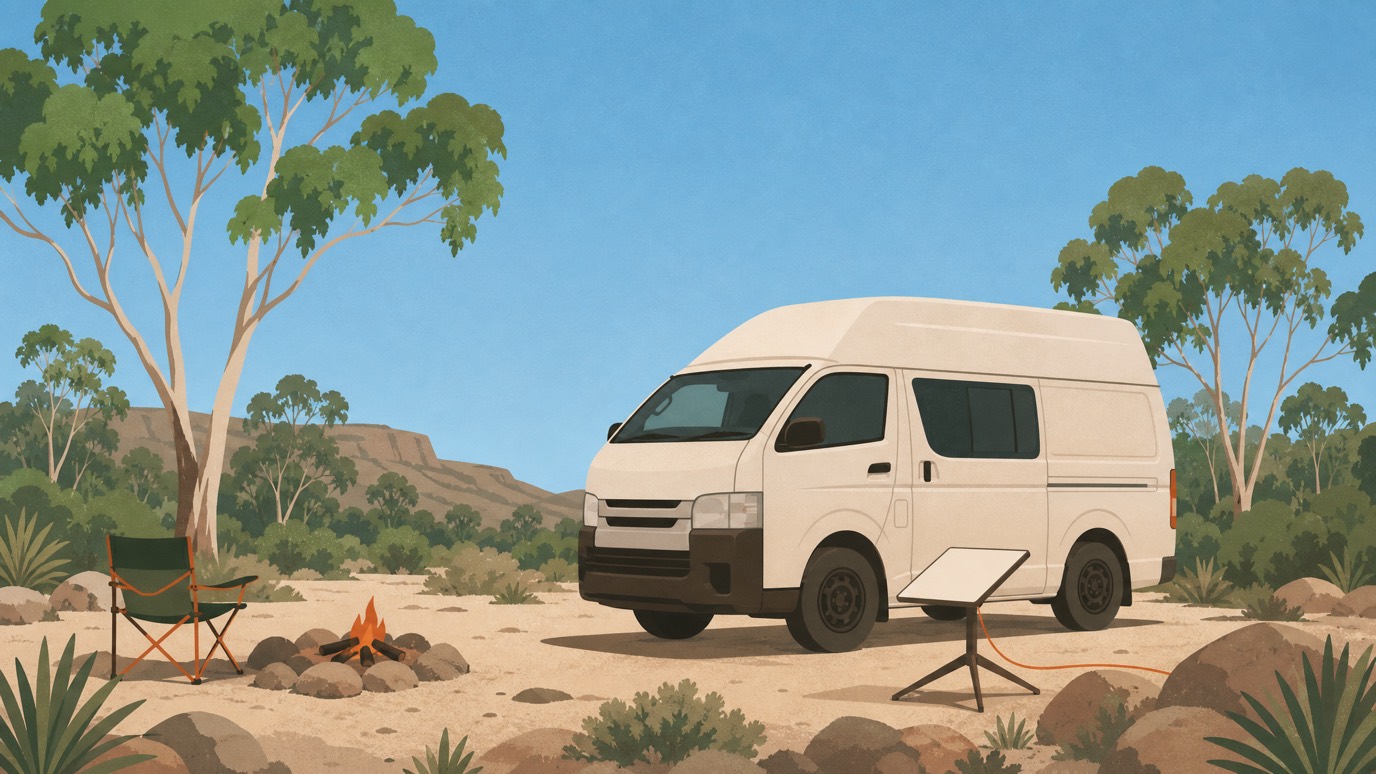
- Find open sky. The single rule, give the dish a clear, open view upward, away from dense tree canopy, cliffs and gorge walls. The dish aims itself, so you don’t need to point it in any particular direction; you just need sky.
- Stand or mount it. On stable, level ground a metre or two from the vehicle, or on a roof mount. Some of our campervans and 4WD campers have it roof-mounted already.
- Power it from 12V. Use the DC adapter rather than an inverter where you can, it’s more efficient off-grid.
- Give it a few minutes. It takes 2–3 minutes to acquire satellites after you park. Set it up while stationary; the Roam plan also supports use in motion if you’ve got it mounted.
The Starlink app shows you an obstruction map, handy for nudging the dish to a clearer spot if trees are clipping the signal.
Power: the real numbers
This is where people overthink it. Honest draw:
- Standard dish: roughly 50–75W in use (a brief spike on startup).
- Starlink Mini: roughly 25–40W.
- Standby: low, but turn it off when you’re not using it, that’s the single biggest power saving.
On a camper with a decent battery and solar, that’s an easy load. Ours run 300Ah lithium with 200W of solar, which carries Starlink plus the fridge, lights and device charging through normal daily use, especially with the Mini. Run the dish when you need it rather than 24/7 and you’ll barely notice it. Our efficient off-grid power tips cover the rest of the setup.
What it costs
Travellers use the Roam plan, which is month-to-month, you can pause it between trips so you’re not paying year-round. It starts around $85/month at the time of writing, with options up to unlimited data; check Starlink’s site for current pricing. It’s not cheap, but for remote work or staying reachable on a long trip, it’s usually worth it.
The alternative on our campers: add Starlink as a daily hire instead of buying a dish and committing to a plan, see the rates on the Starlink hire page.
Using it in the field
- It’s weather-resistant (IP54) and handles WA’s heat and the odd storm fine, though very heavy cloud can briefly dip the signal.
- Performance can fluctuate at peak times, but for email, maps, calls and streaming it’s well up to the job.
- Internet isn’t a safety device, still carry a PLB or satellite messenger for genuine emergencies, and keep the WA outback emergency numbers handy.
- Download offline maps (WikiCamps, Google Maps offline) while you’re connected, so navigation works if the signal drops.
How our pre-installed Starlink works
Add Starlink to your booking and it’s ready at pickup, wired to the camper’s power, with a quick handover briefing on positioning and power. On the road it’s simple: open the Starlink app, set the dish in a clear spot, connect to the camper’s network with the password we give you, and use the app’s obstruction view to fine-tune. You’ve also got 24/7 roadside and technical support behind you.
Plan a connected trip
Starlink is what makes a remote WA trip workable if you need to stay online, and having it pre-fitted takes the hassle out. Compare the campervan range, check live availability on the fleet listings, and add Starlink when you book. For the bigger connectivity picture, see our off-grid internet guide.
FAQs
Does Starlink work anywhere in WA?
Almost anywhere with a clear view of the sky, no phone tower needed. The exceptions are spots boxed in by dense forest or deep gorge walls, where the dish can’t see enough sky.
How much power does Starlink use?
Around 50–75W for the standard dish and 25–40W for the Mini. A camper with lithium and solar handles it easily, especially if you switch it off when you’re not using it.
Do I point the dish in a particular direction?
No, it aims itself. You just need to give it an open, unobstructed view of the sky and a couple of minutes to connect.
What does Starlink cost for a road trip?
The Roam plan starts around $85/month and can be paused between trips. On our campers you can skip the subscription and add Starlink as a daily hire instead.
Can I use Starlink while driving?
Yes, on the Roam plan with a roof mount it supports use in motion, though most travellers just set it up once they’ve parked for the day.